Insights
Buying Guide: Choosing a Contact Center (CCaaS) Platform in the AI Era
AI is changing how contact centers are priced. How to choose a CCaaS platform, what it really costs, and which vendors fit your size and stack.
In 2026 you aren't just buying seats for agents; you're buying a platform that will also run AI agents, and the way it charges for AI will drive your total cost more than the seat price. Choose for AI economics, integration with your CRM, and the ability to exit.
This guide is for CIOs, CX leaders and procurement teams replacing an on-premises or legacy contact center, or renewing a CCaaS contract.
First, the terms
- CCaaS (contact center as a service): contact center software you rent in the cloud instead of running on your own servers. It routes calls, chats, emails and messages to agents. Also called a cloud contact center.
- UCaaS (unified communications as a service): cloud phone systems, video meetings and chat for the whole company, such as Teams Phone, Zoom or RingCentral.
- CX (customer experience): everything a customer goes through when dealing with you. CX technology is the software that supports it.
- AI agent (virtual agent): software that talks to customers by voice or chat and resolves requests on its own, without a person.
- Agent assist (copilot): AI that helps a human agent during a call, suggesting answers or writing summaries.
- Named, concurrent and hourly seats: ways to count licenses. Named means one license per person; concurrent means per agent logged in at the same time; hourly means you pay for time used.
- WEM (workforce engagement management): tools to forecast call volume, schedule agents, record calls and score quality. Also called WFM (workforce management) and QM (quality management).
- CRM (customer relationship management): the system that holds customer records, such as Salesforce, Microsoft Dynamics or Zendesk.
- Omnichannel: handling phone, chat, email, text and social messages on one platform.
- PCI, HIPAA, FedRAMP: compliance standards for card payments, health information and U.S. government cloud services.
What AI changed
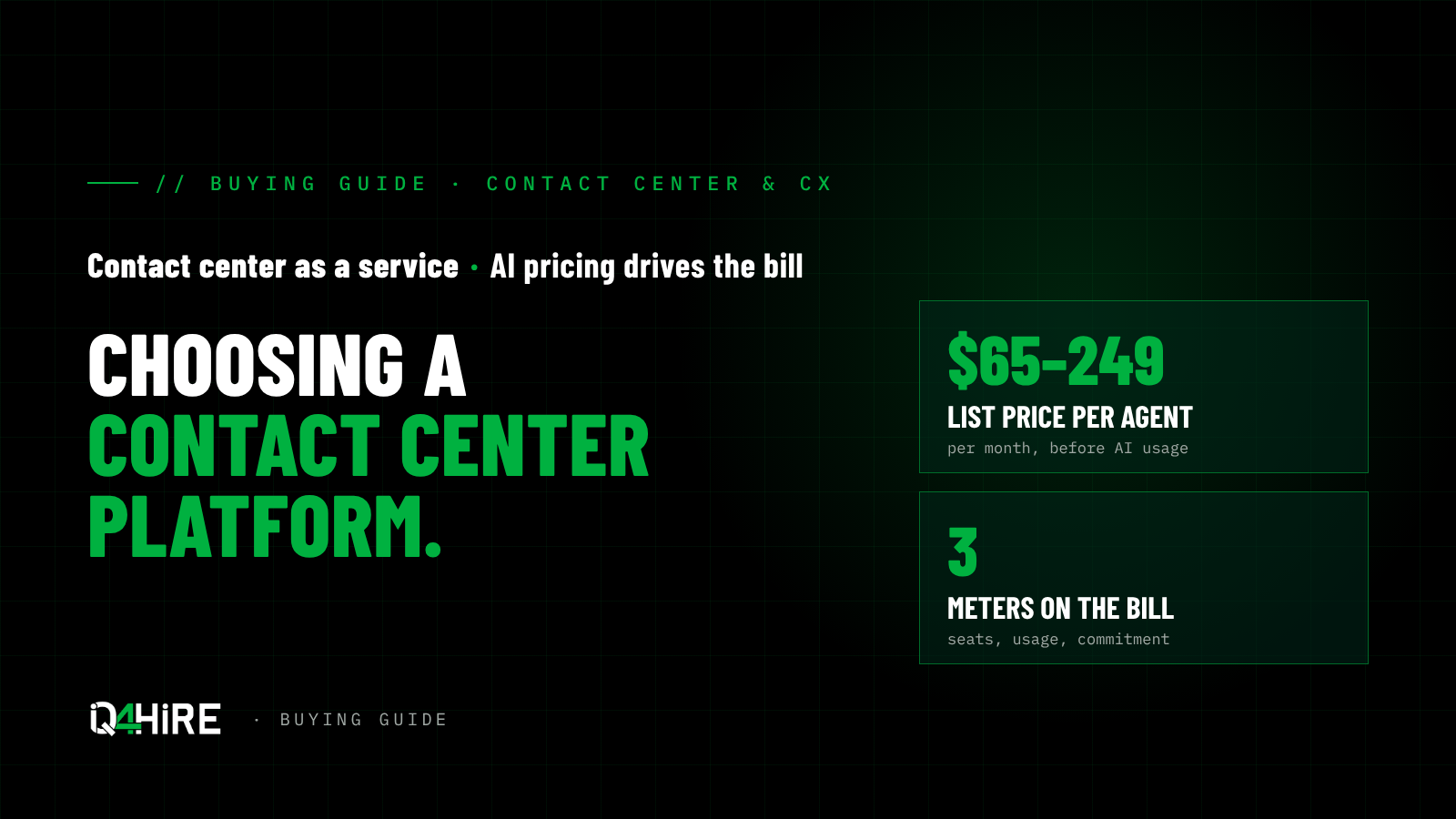
- The seat isn't the whole bill anymore. A full contact center seat lists at roughly $65 to $249 per agent per month, but usage (minutes, numbers, messages, AI units) and commitments sit on top. (eesel)
- AI is priced differently by every vendor. Genesys bundles AI "Experience Units" into its licenses; NICE charges per session on its top tier; others sell AI add-ons only through sales. (eesel)
- Per-seat pricing is breaking. When AI agents handle a growing share of interactions, paying per human agent stops matching how the contact center works, and buyers are shifting toward usage and outcome pricing. (CX Today)
- Analysts moved the bar. Gartner's 2025 CCaaS Magic Quadrant named NICE, Genesys, AWS, Five9 and Talkdesk as Leaders, with AI agents and automation central to the evaluation. (CX Today)
When to switch
It's usually time when:
- Your on-premises platform is near end of support or needs a hardware refresh.
- You can't add digital channels, AI or analytics without a costly upgrade.
- Your contract renews in the next 12 months and AI pricing isn't in it.
- Agents work across too many screens because the CRM isn't integrated.
Hold off, or fix this first, when:
- Your problem is staffing or process, not the platform.
- Your knowledge base is poor. AI agents built on bad content make things worse.
- You're mid-way through a CRM change. Pick the CRM first.
Seven things to evaluate
- AI pricing model. Is AI bundled, per session, per resolution, or by credits? Ask for a price at your volume, not a list of add-ons.
- AI agents in production. Ask for live references where AI agents resolve interactions on their own, not demos.
- CRM and UC fit. Native fit with Salesforce, Microsoft Dynamics, ServiceNow or Zendesk, and with your phone system (Teams, Zoom, RingCentral, Webex).
- Licensing model. Named, concurrent or hourly seats change the bill a lot for seasonal or shift-based teams.
- Workforce engagement. Quality management, forecasting and scheduling: built in, or a separate purchase?
- Compliance and data residency. PCI, HIPAA, FedRAMP or regional data storage if you need them.
- Exit terms. Who owns call recordings, transcripts and the AI training data, and how you get them out.
The shortlist
These come from the 450+ vendors IQ4hire has pre-vetted. The right three depend on your size, CRM and how far you want to push AI.
| Need | Vendors to look at | Why |
|---|---|---|
| Large enterprise, complex routing, deep AI | NICE CXone, Genesys Cloud | Gartner Leaders with the broadest AI and workforce tools |
| Mid-market to enterprise, strong US support | Five9, Talkdesk | Gartner Leaders; Five9 is known for AI agent uptake, Talkdesk for industry-specific clouds |
| One vendor for phones and contact center | RingCentral, Zoom, 8x8, Dialpad, Vonage | UC and contact center on one platform and one bill |
| Already on Teams or Cisco | Microsoft Dynamics 365 Contact Center, Cisco Webex Contact Center | Fits the stack you already run |
| Public sector, regulated or UK/EU data | Content Guru | Gartner Challenger with strong public-sector and regulated work |
| Digital-first or mobile-first service | UJET, Glia, Sprinklr | Built around chat, mobile and social |
| Outbound and sales-heavy centers | Convoso | Built for high-volume outbound |
| Add AI to the platform you have | Observe.AI, Balto, Level AI, Quiq, Regal | AI quality, agent assist and AI agents on top of an existing CCaaS |
Gartner placements are from the 2025 Magic Quadrant for CCaaS. (CX Today)
What it costs
Published list prices give you a range, not a quote. (eesel)
| Vendor | Published list price per agent per month | AI pricing |
|---|---|---|
| NICE CXone | $110 to $249 | Per-session charge on the top tier; AI add-ons by quote on others |
| Genesys Cloud | $75 to $240 (named) | AI units included per license; more by usage |
| Talkdesk | $85 to $225 | AI add-ons through sales |
| RingCentral RingCX | $65 to $145 (annual) | AI add-ons priced separately |
| Dialpad | $89 to $149 (annual) | AI agents on credits |
| Five9, 8x8 | Quote only | Not published |
The seat is one of three costs. Add usage (minutes, numbers, messages, AI) and commitments (terms, seat minimums, add-ons), then compare on the same volumes.
Traps
- Buying seats for agents the AI will replace. A three-year term on today's headcount can leave you paying for empty seats.
- Open-ended AI usage. Get a price cap or committed rate for AI units.
- Comparing list prices. The vendor with the lowest seat can be the most expensive once usage is added.
- Ignoring implementation. Routing, integrations and AI training take months and partner hours; get it quoted.
- No exit plan for your data. Recordings and transcripts are hard to move if the contract doesn't require it.
Questions to ask every vendor
- What will we pay over three years at our volumes, including AI usage?
- Can we cut seats if AI agents take over interactions, and what does it cost?
- Which customers of our size have AI agents resolving interactions today? Can we talk to them?
- How does the platform connect to our CRM and phone system, and who builds it?
- Named, concurrent or hourly seats: which fits our staffing, and what's the price difference?
- Who owns our recordings, transcripts and AI models, and how do we export them?
- What does implementation cost, how long does it take, and who does it?
- What uptime is guaranteed, and what credits do we get if you miss it?
How IQ4hire helps
We start with how your contact center works today and where AI should take load. Then we bring you three vendors from our pre-vetted portfolio, compare them on the same volumes, and push for AI pricing you can predict. No RFP, and no cost to you.
Sources
- eesel, CCaaS pricing
- CX Today, Gartner Magic Quadrant for CCaaS 2025: The Rundown
- Call Centre Helper, Gartner Releases Magic Quadrant for CCaaS 2025
- CX Today, The $50 Billion Question: How Do You Charge for an AI Agent Seat That Doesn't Exist?
- CX Today, AI pricing models in CX: a guide for contact center leaders